App Store and Google Play screenshots that get accepted the first time.
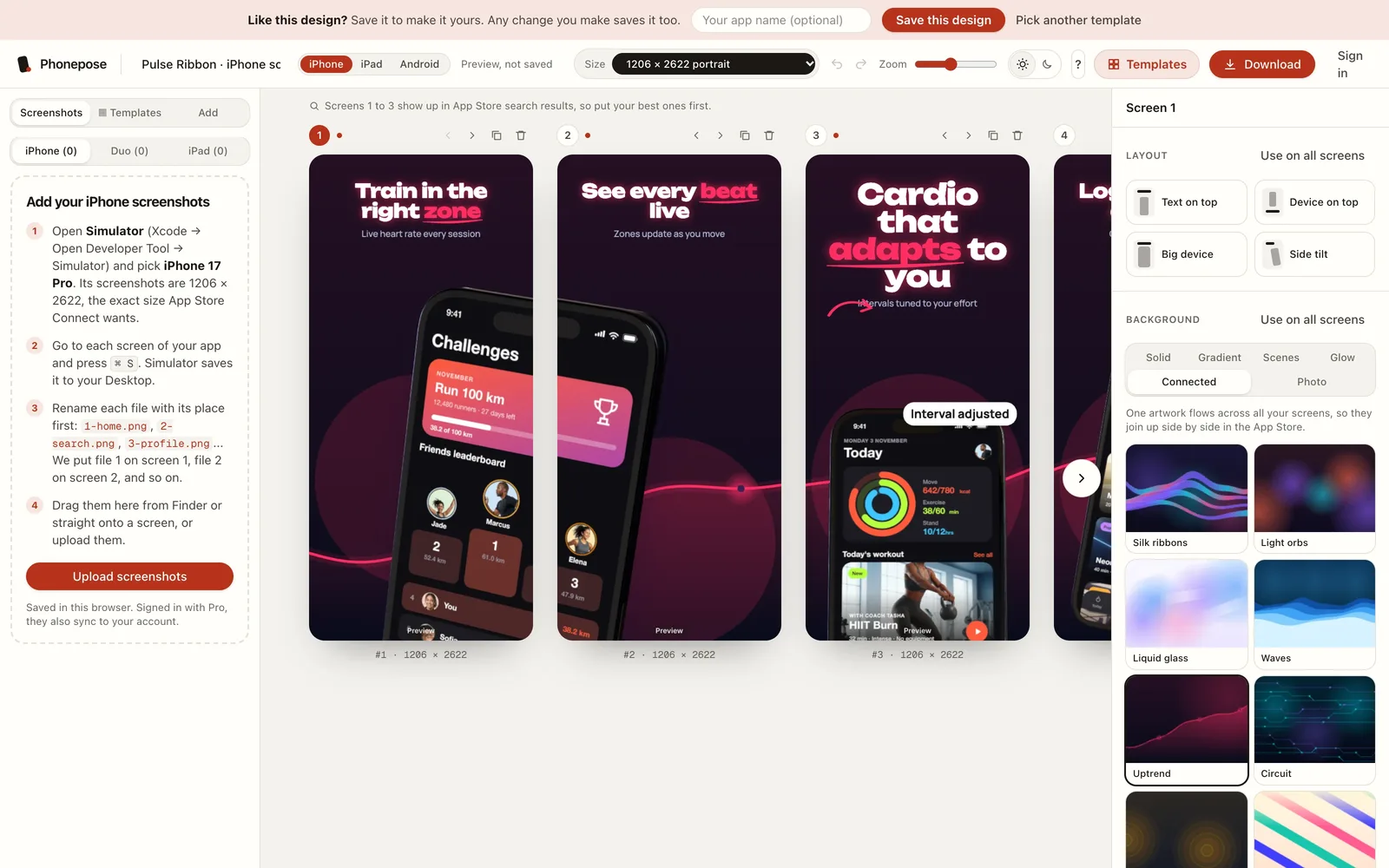
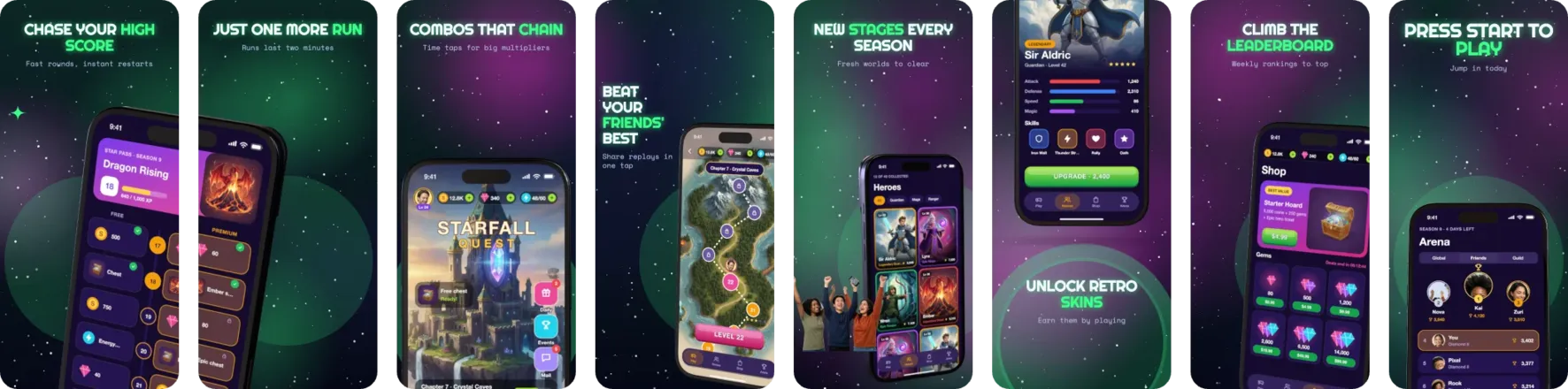
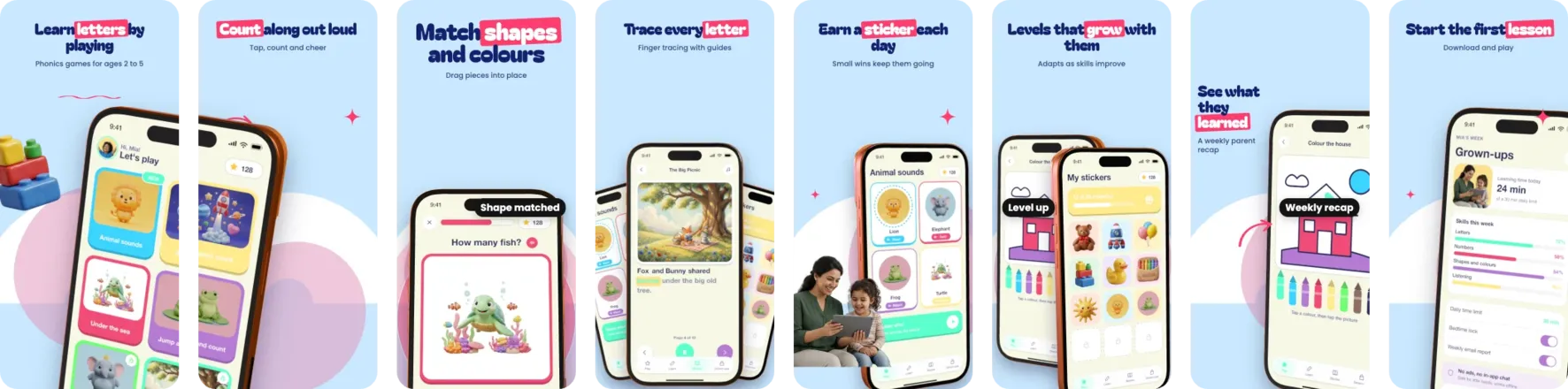
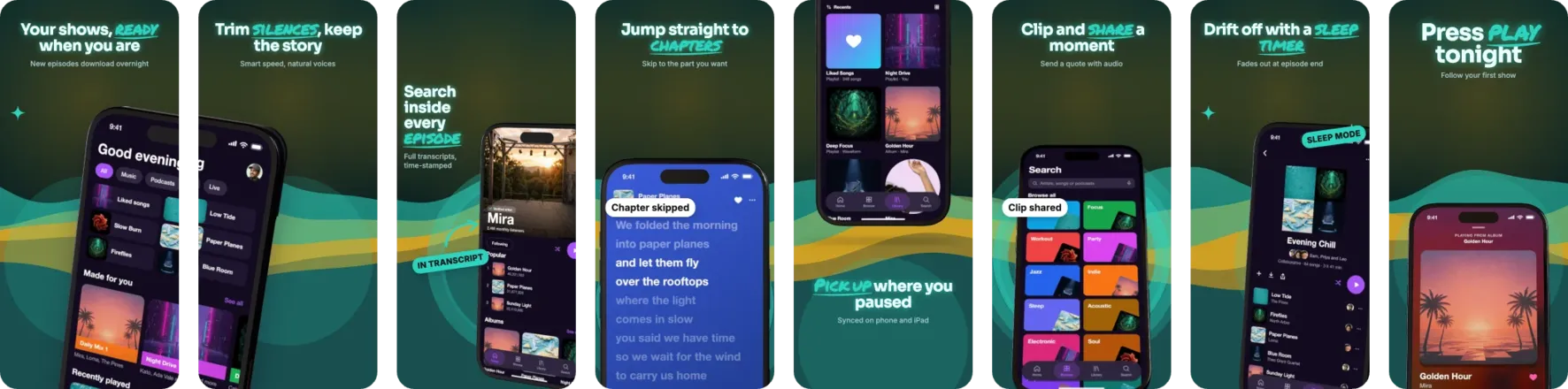
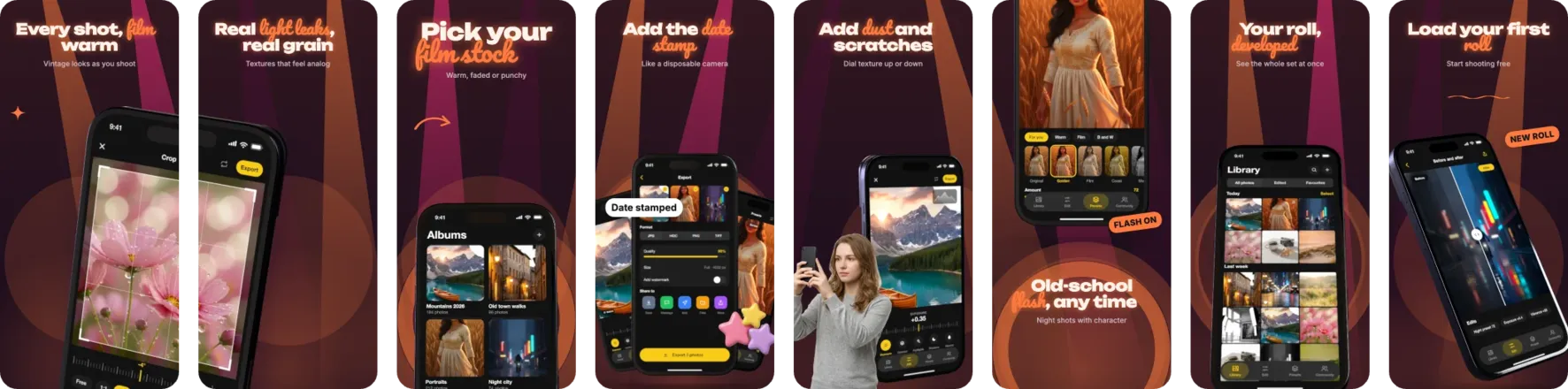
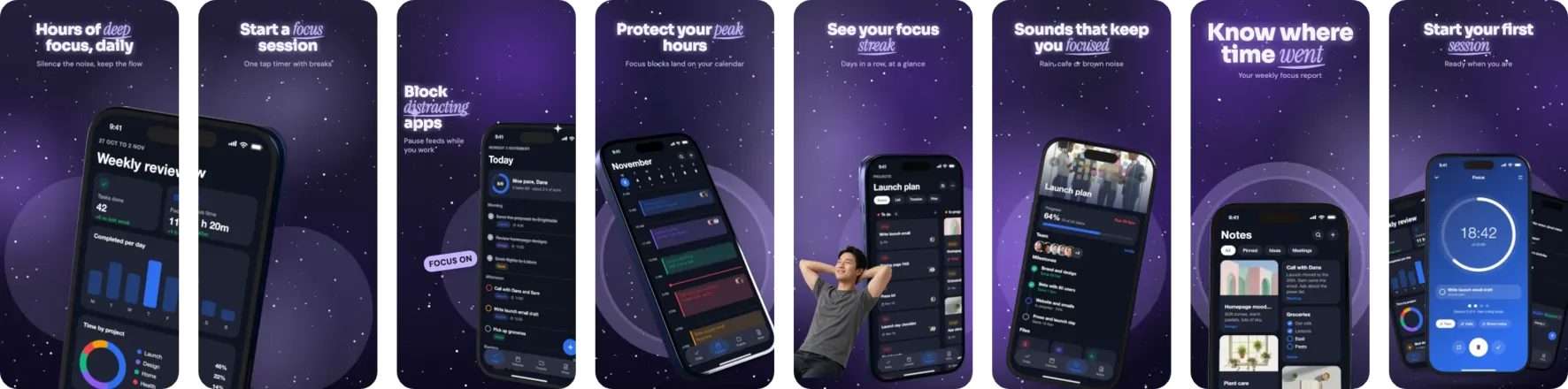
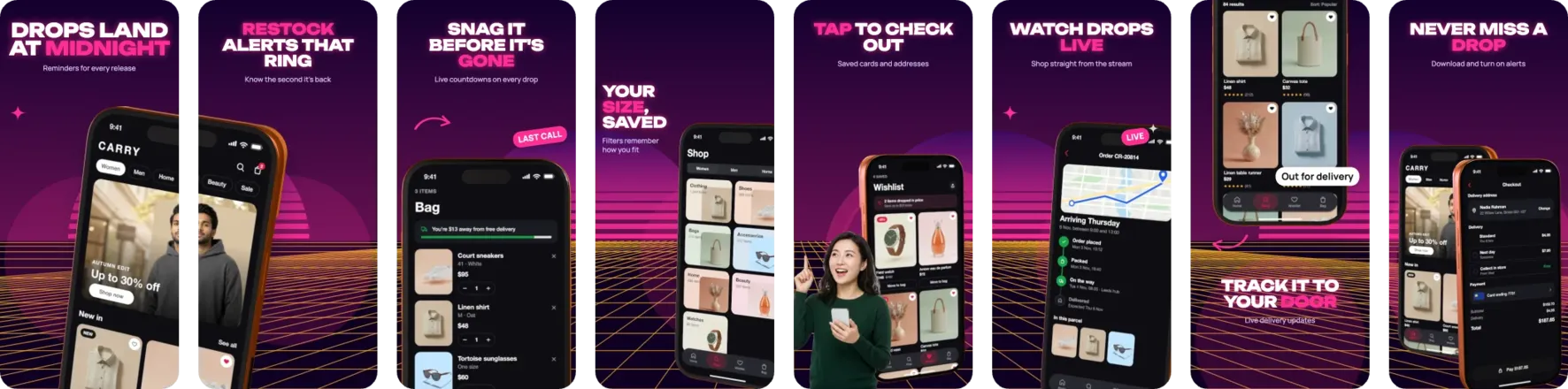
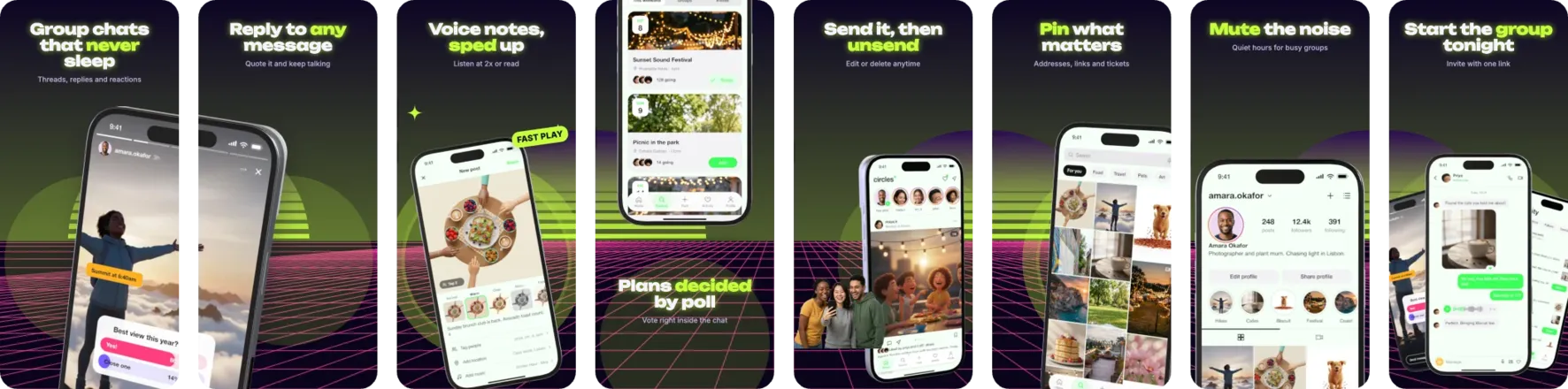
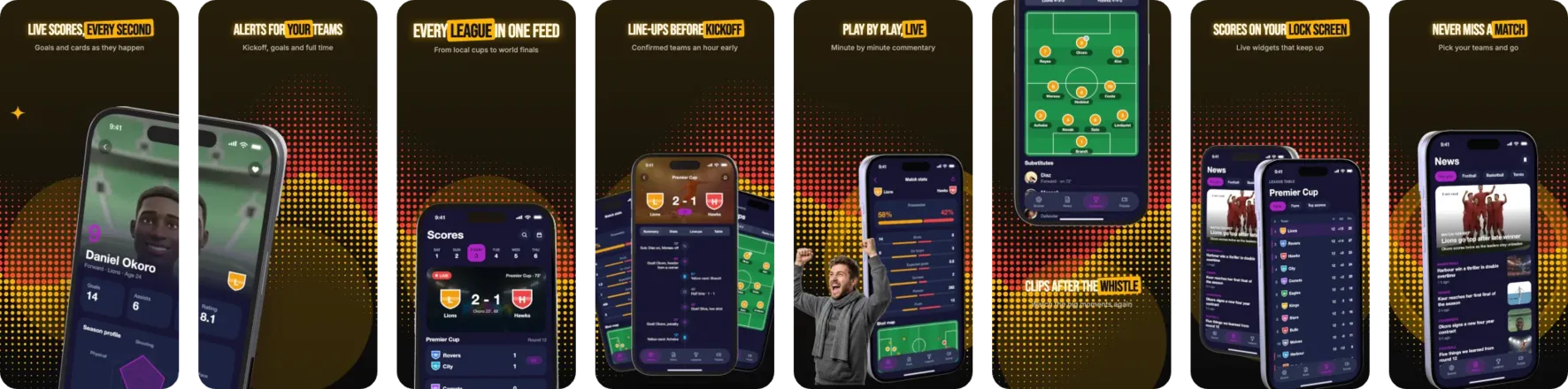
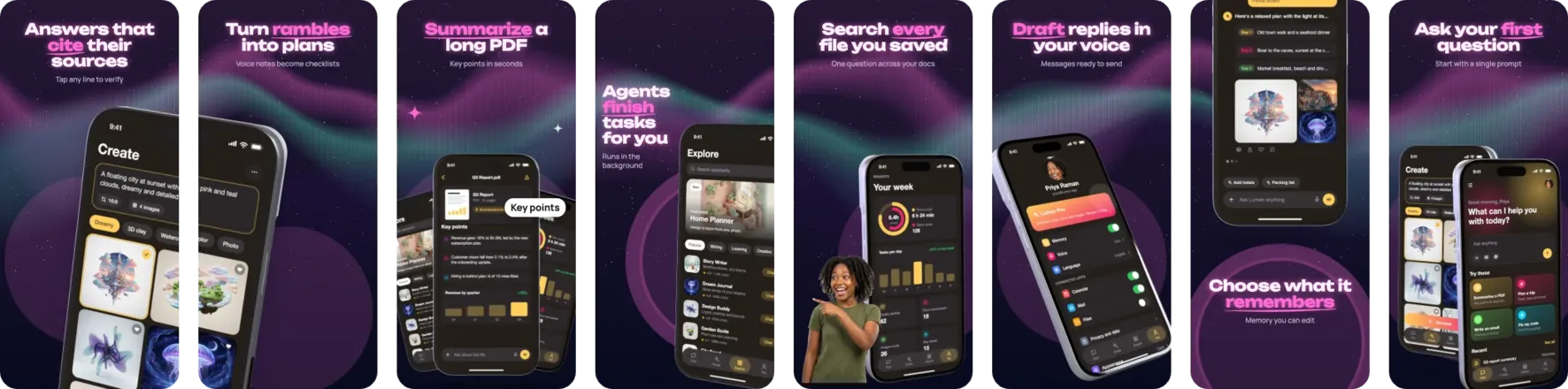
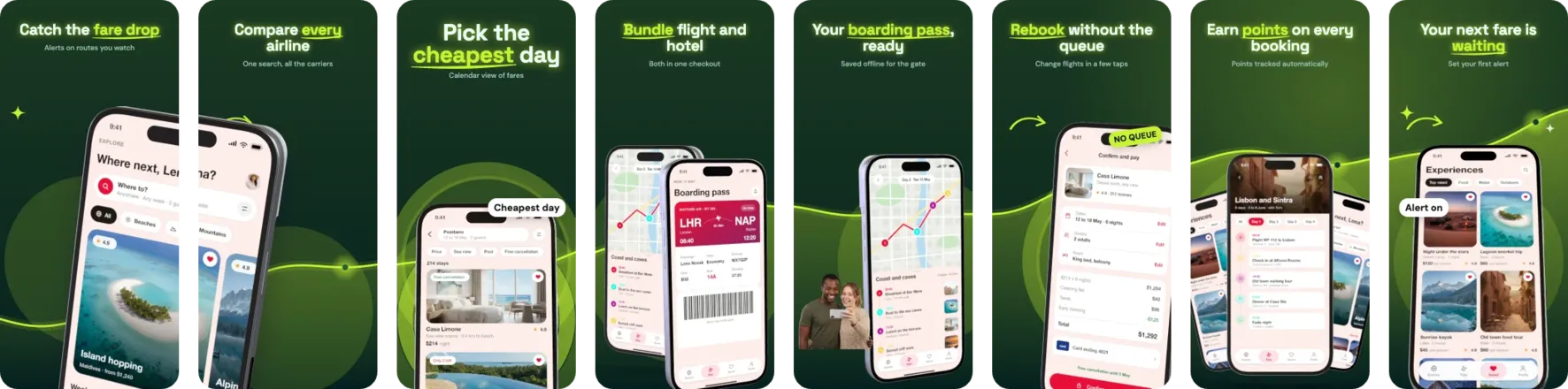
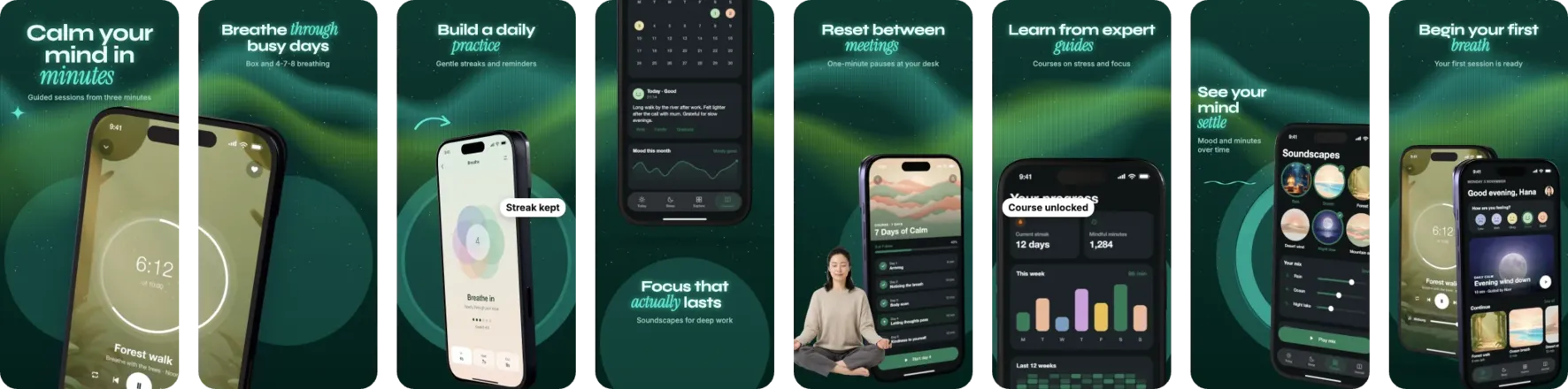
Phonepose is a web app for designing App Store and Google Play screenshots. Start from one of 216 templates, drop in your app’s screenshots, and pose them on real 3D iPhones, iPads and Pixel phones. Every download comes out at the exact sizes App Store Connect and Google Play accept, checked before you upload.
What it does
Phones that cross screens
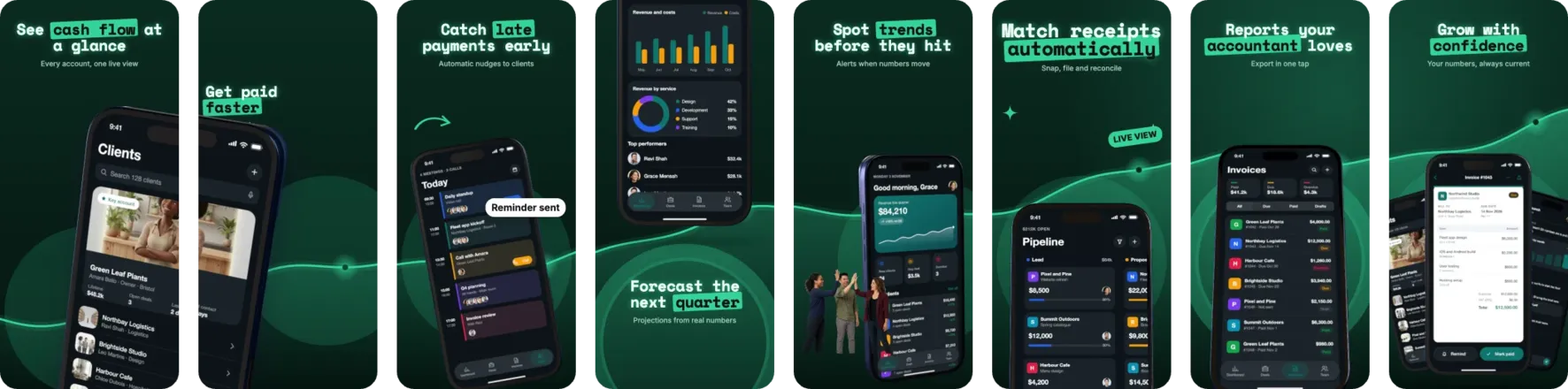
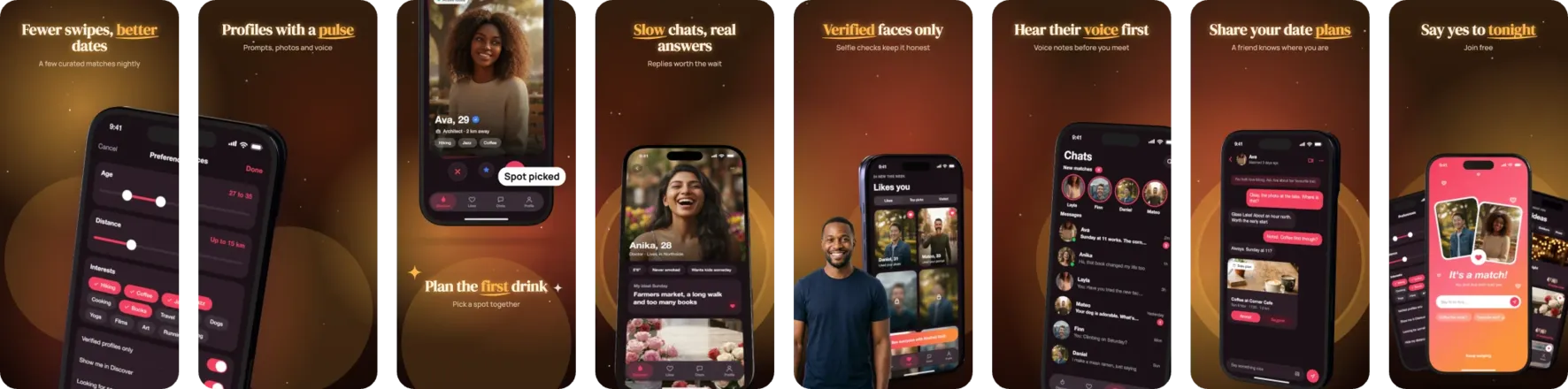
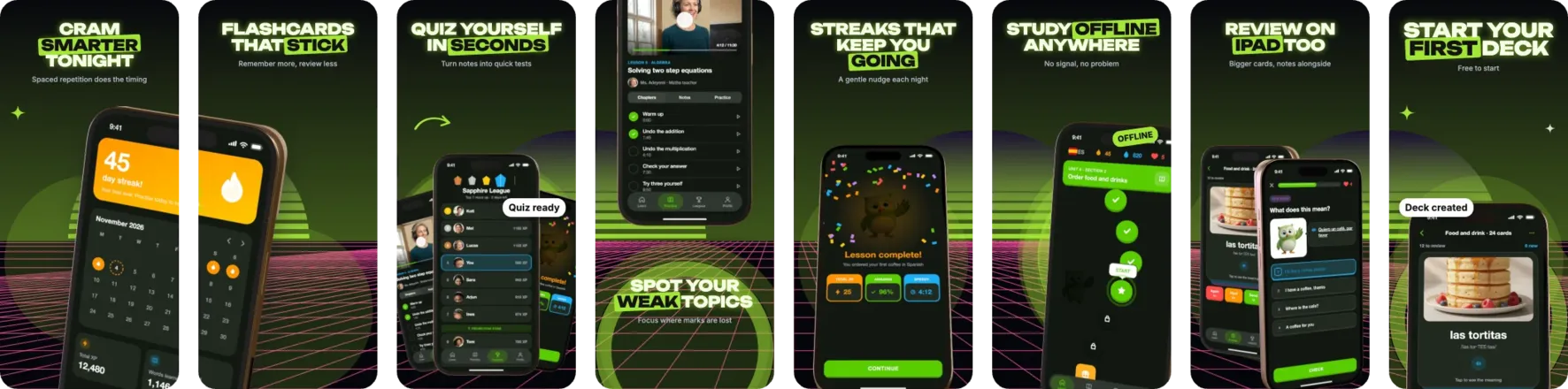
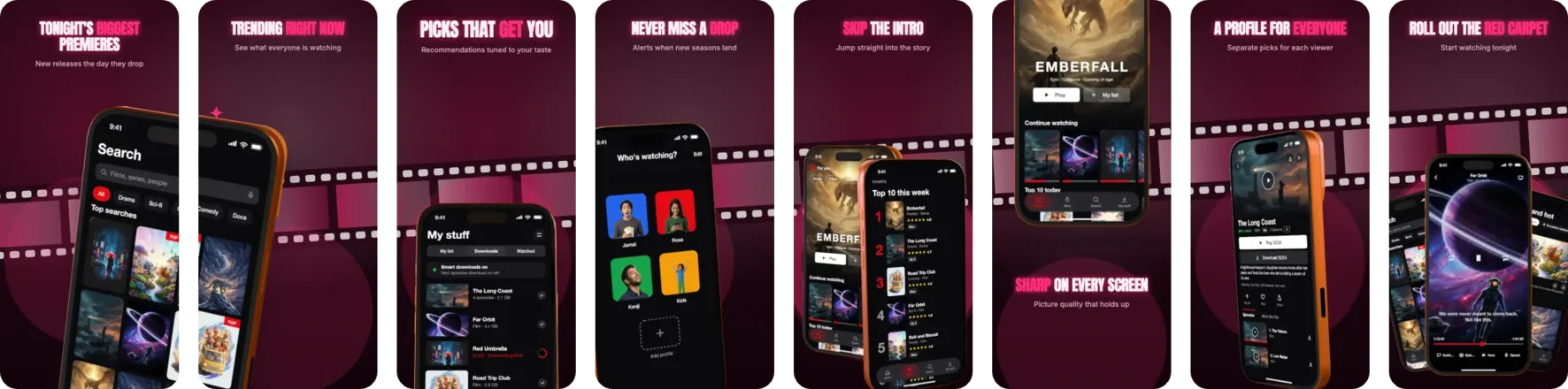
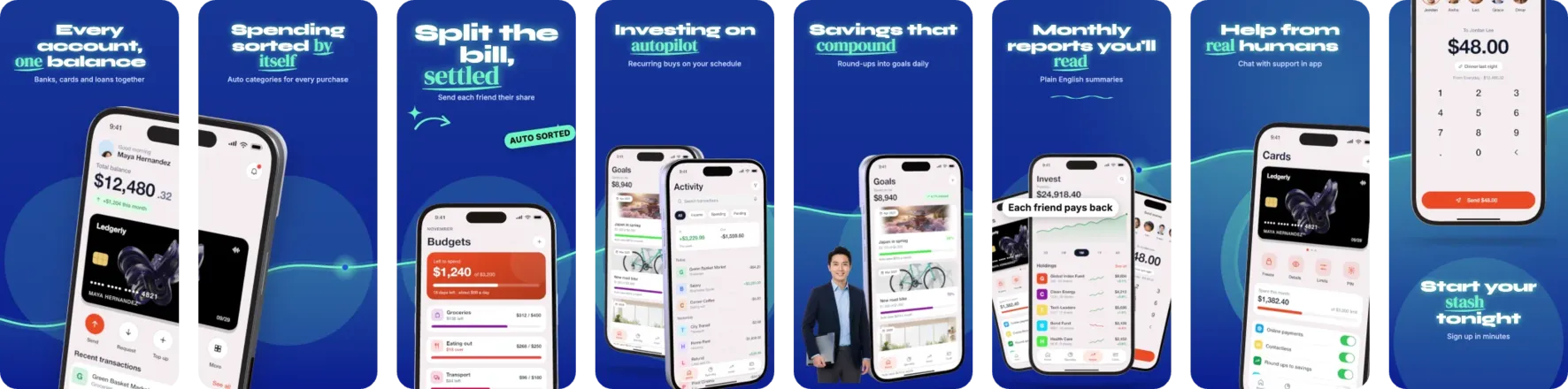
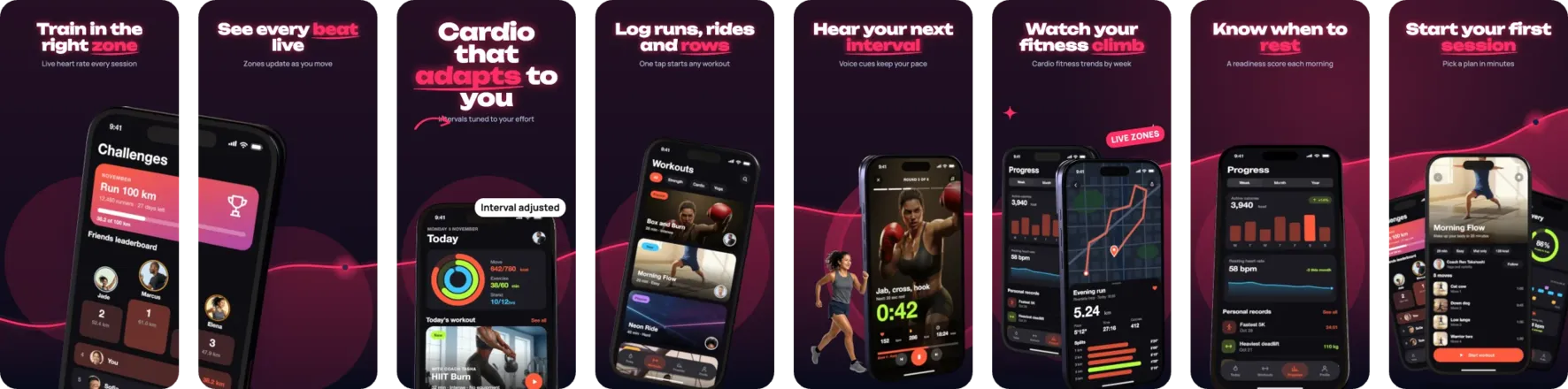
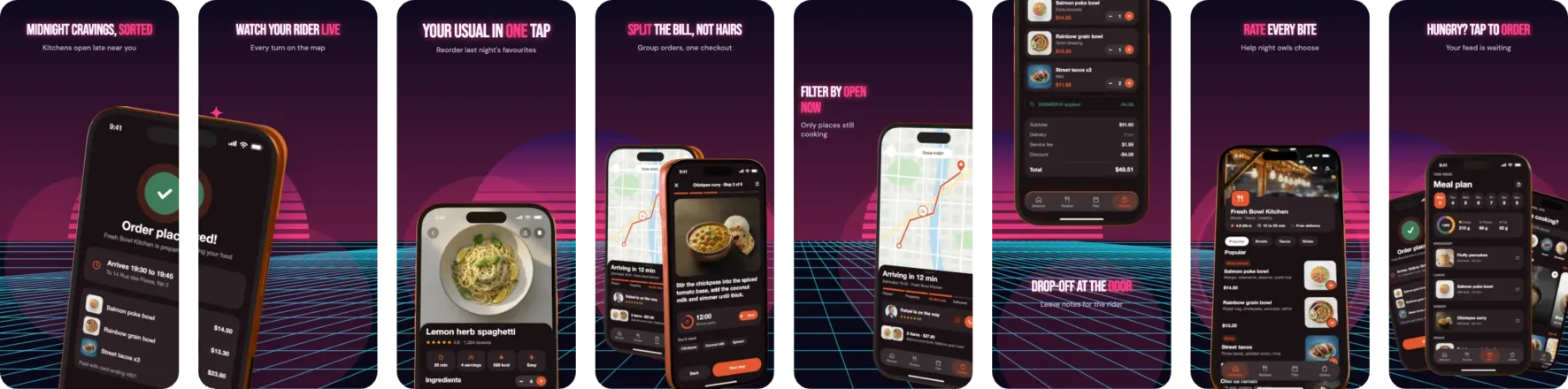
Drag a phone past the edge and its other half lands on the next screen. Keep them linked, edit each half, or delete one.
Real 3D phones
Turn an iPhone, iPad or Pixel to any angle. That exact pose goes into your download.
Connected backgrounds
21 artworks that flow across every screen, so your screenshots join up in the store.
Headlines with a key word
Give one word its own colour, a hand-drawn mark or a different font.
216 templates
12 for each of 18 app categories. Restyle a design in one click and keep your screenshots.
On every device
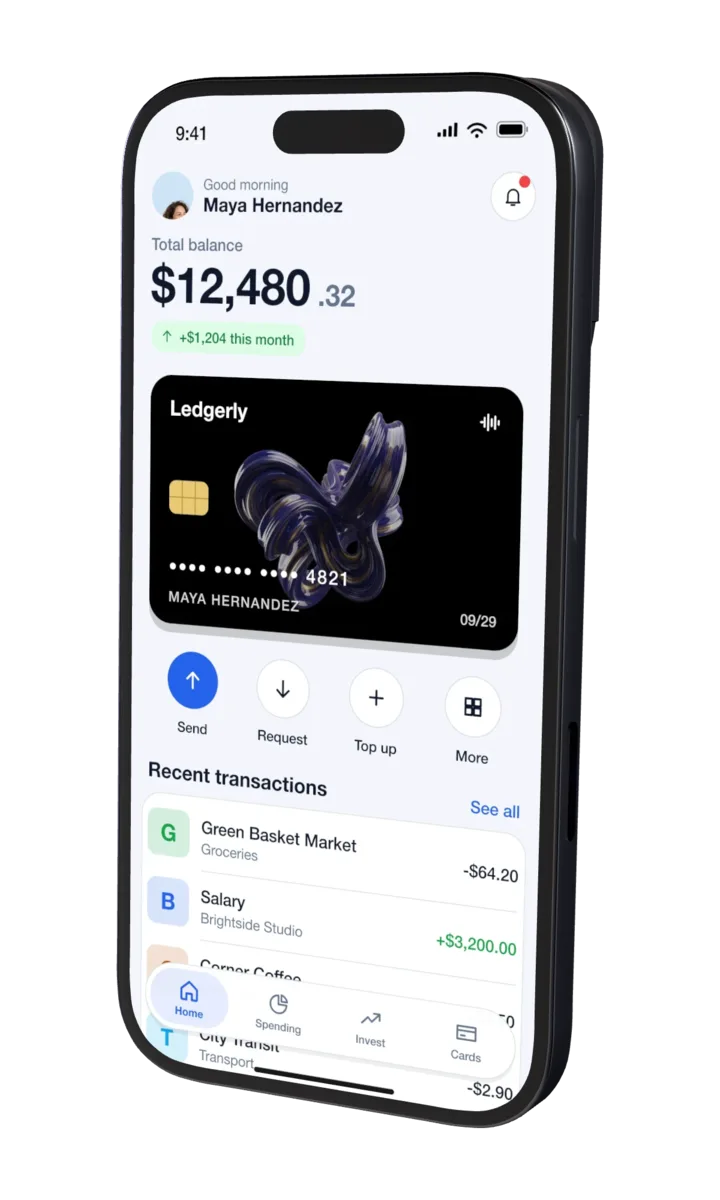 Turn it to any angle
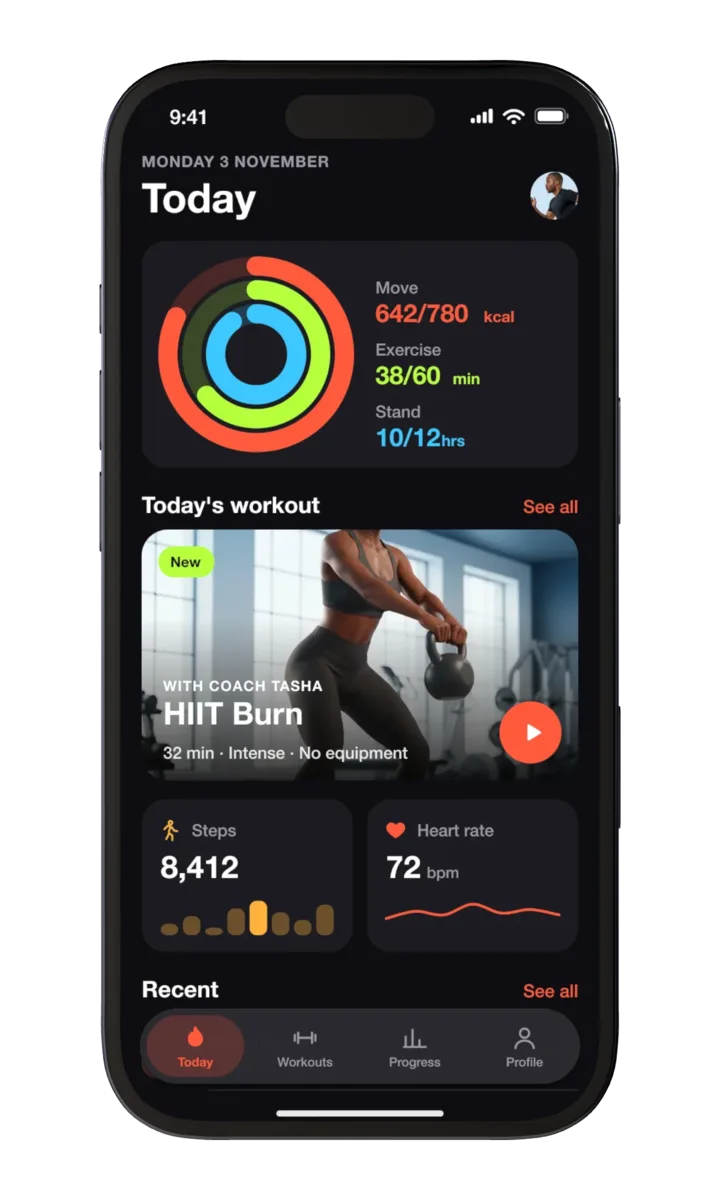 Your pixels, untouched
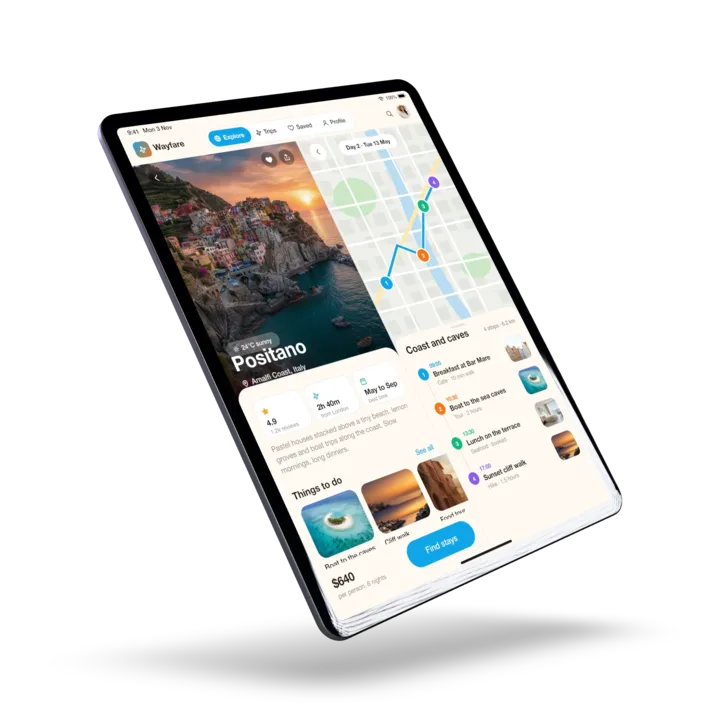 iPhone, iPad and Android
Everything in it
- Real 3D devices
- iPhone, iPad and Google Pixel models you can turn, tilt and pose.
- 216 templates
- 12 for each of 18 app categories, for iPhone, iPad and Android.
- Phones that cross screens
- Drag a phone past the edge and its other half appears on the next screen. Keep the halves linked, edit them separately, or delete one.
- Connected backgrounds
- 21 artworks that flow across every screen.
- Headlines with a key word
- Wrap a word in *asterisks* to give it its own colour, hand-drawn mark or font.
- Exact store sizes
- Every App Store Connect and Google Play size, checked for size, transparency and colour space before download.
- Free screenshot validator
- Checks existing screenshots and fixes them. No account needed.
- Cloud sync for Pro
- Signed-in Pro users get their designs on any computer.
Pricing
Designing is free. Pro, $6.99/month, unlocks downloads. No account is needed to design. Pro can be bought without an account; sign in with the same email later to use it on another computer.
Works in desktop browsers on Mac and Windows. Makes screenshots for iPhone, iPad and Android (Google Play).
 Fauxplate